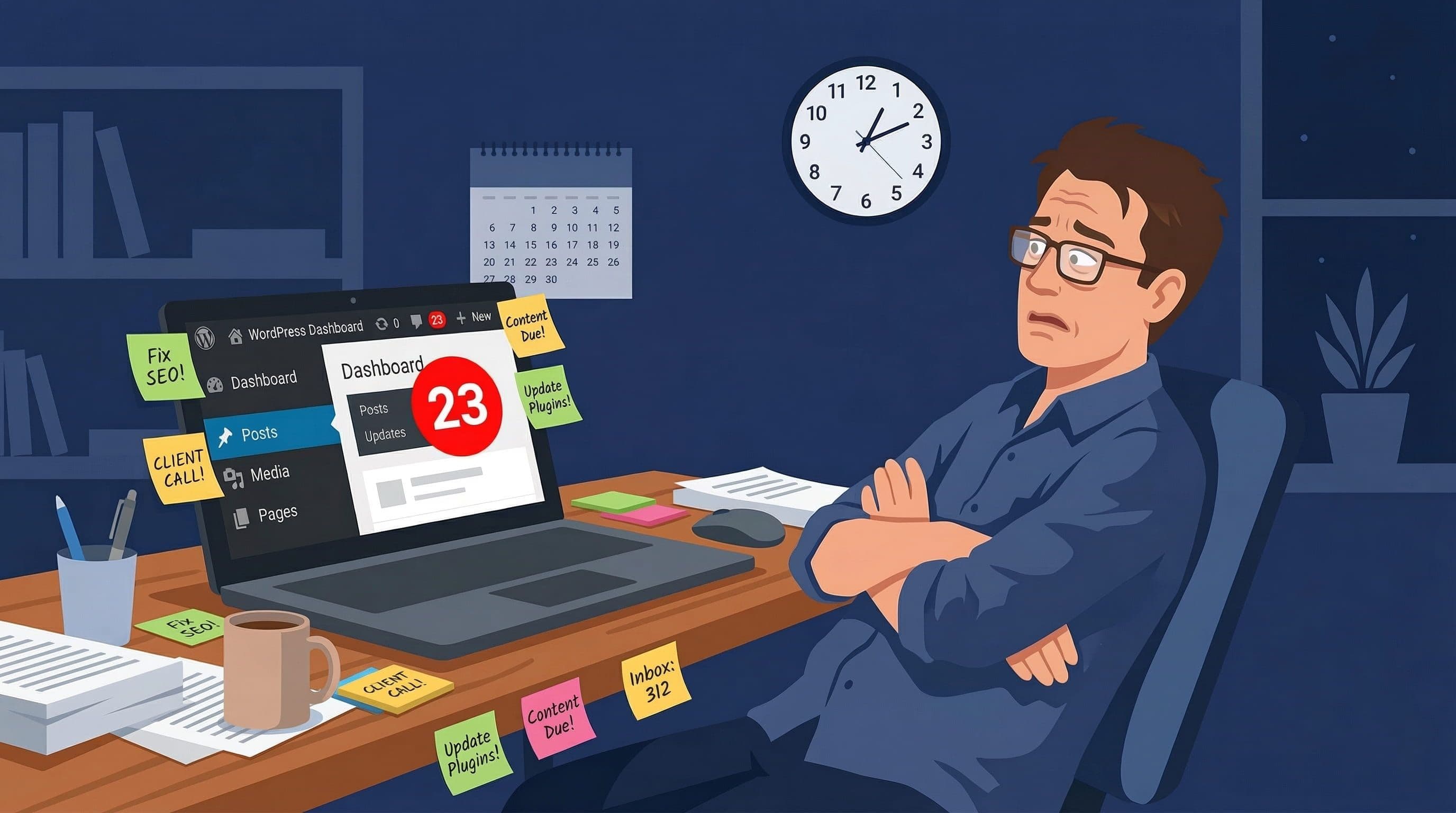
When It Makes Sense to Hire Someone to Manage Your WordPress Website
Not sure if you should hire someone to manage your WordPress site? Here are the clear signals that DIY maintenance is costing you more than a developer would.
Seven clear signals that DIY WordPress management is costing your business more than a professional would. No guesswork, no pressure.
By Sheikh Hassaan — Web developer for service businesses
Quick Answer
It makes sense to hire someone to manage your WordPress website when the time you spend on maintenance exceeds what you could earn in that same time, when your site generates real business leads or revenue, when you have experienced at least one security incident, or when you find yourself avoiding the dashboard entirely. Any one of these signals is enough. More than two is a clear case for professional management.
The Hidden Cost of Managing WordPress Yourself
Most business owners who manage their own WordPress site do not think of it as having a cost. There is no invoice. No line item in the budget. The time just disappears into evenings and weekends, categorized mentally as something they handle themselves.
That framing is wrong. Every hour spent on WordPress updates, security checks, plugin troubleshooting, and backup verification is an hour not spent on client work, business development, or the work that actually earns revenue. For a consultant billing at $100 per hour, two hours of monthly WordPress maintenance represents $200 in opportunity cost. A $50 monthly maintenance service pays for itself four times over in that calculation.
The opportunity cost is the predictable, recurring cost. The unpredictable cost is the incident. A hacked site requires four to eight hours of the owner's time to research, troubleshoot, and coordinate cleanup, plus $150 to $400 in professional recovery fees if the owner cannot handle it alone. A failed plugin update that breaks the site during business hours means lost leads for however long it takes to fix it.
These are not hypothetical scenarios. They are the predictable outcomes of self-managed WordPress maintenance done inconsistently. The question is not whether to take the site seriously. It is whether the owner is the right person to handle it.
The Seven Signals That It Is Time to Stop DIY
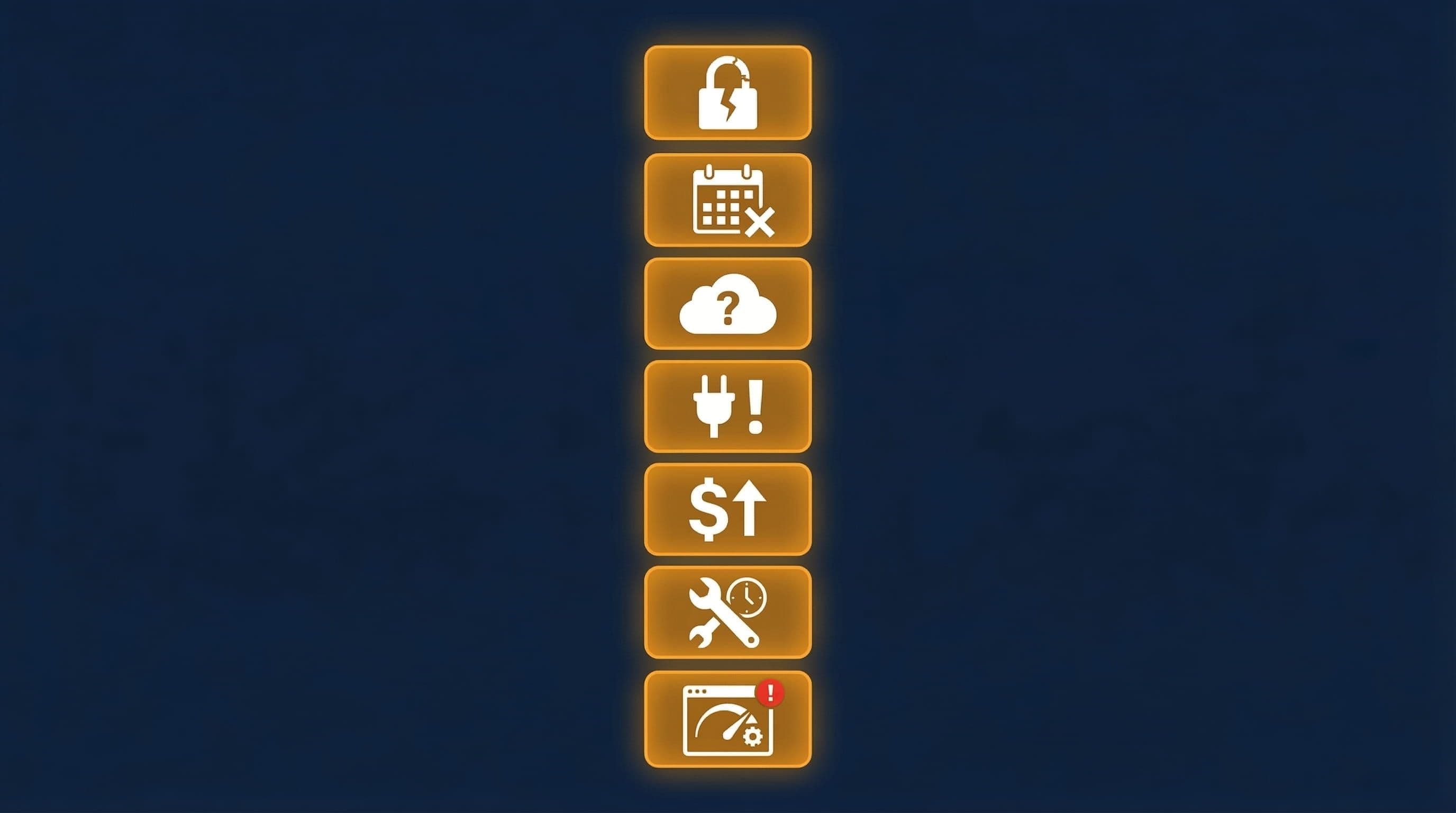
Seven signals it is time to hire a WordPress developer
Signal 1 — You Avoid Logging Into the Dashboard
If opening the WordPress dashboard feels like opening a to-do list you do not have time for, that avoidance is creating compounding risk. Updates accumulate. The notification count grows. Each week of delay extends the vulnerability window for any security patches sitting unapplied. Avoidance is not a neutral state. It is active neglect with measurable consequences.
A business owner who avoids the dashboard is not managing their site. They are hoping nothing goes wrong until they find the time to deal with it. That is not a maintenance strategy.
Pro Insight:
Dashboard avoidance is the single most reliable predictor of a compromised site. The sites that get hacked are almost universally the ones where nobody has logged in for weeks. Automated attacks do not wait for convenient timing.
Signal 2 — Your Site Has Been Hacked at Least Once
A site that has been compromised once and returned to exactly the same configuration that allowed the compromise is likely to be compromised again. Most small business owners who recover from a hack patch the immediate problem but do not address the underlying security posture. The plugin that was exploited gets updated. Everything else stays the same.
A previous compromise is not just a bad memory. It is evidence that the current management approach has already failed once. The probability of a second incident on a site with unchanged security configuration is meaningfully higher than on a site that has never been compromised.
Pro Insight:
After a compromise, the correct response is a full security audit: all passwords changed, all admin users verified, full malware scan, security plugin configured correctly, and backups tested. Most DIY recoveries address the symptom and skip the audit.
Signal 3 — You Do Not Know When Your Last Backup Was
If you cannot answer the question 'when did my last backup run and where is it stored,' your site has no effective recovery plan. A backup that you think is running but have not verified is a backup of unknown reliability. A backup stored only on the server is inaccessible if the server is compromised or the hosting account suspended.
This is one of the clearest signals that site management has fallen below the minimum viable standard. The backup is not a nice-to-have. It is the difference between a recoverable incident and a rebuild from scratch.
Pro Insight:
The correct answer to 'when was your last backup' is a specific date within the last 24 hours and a specific location that is not on the same server as the site. If you cannot give that answer, the backup situation needs to be addressed before anything else.
Signal 4 — You Have Not Updated Plugins in Over a Month
Plugin updates falling more than four weeks behind means the site is accumulating known vulnerability exposure continuously. Security patches for widely-installed plugins are disclosed publicly. Bots scan for sites running the unpatched version within hours of disclosure. A site with plugins four weeks out of date has had multiple vulnerability windows open and close without being addressed.
This is not about perfectionism. It is about a specific, documented attack pattern that accounts for the majority of WordPress compromises. Staying within one week of plugin security patches is the minimum standard. Over a month is well outside it.
Signal 5 — Your Site Generates Real Business Value
An informational site that receives occasional traffic has low maintenance stakes. A site that generates leads, booking requests, or direct sales has high maintenance stakes. Every hour of downtime has a measurable cost. Every day a compromised site shows a warning to visitors is a day potential clients are turned away.
The appropriate level of maintenance investment scales with what the site is worth to the business. A site generating ten leads per month at a $500 average client value is producing $5,000 in monthly business value. Spending $50 to $100 per month to protect that asset is not an expense. It is leverage.
Pro Insight:
The most common mistake I see is a business owner spending $0 on maintenance for a site generating $3,000 to $5,000 in monthly leads. The site is treated like a cost center rather than a revenue asset. Maintenance investment should be proportional to site value, not minimized by default.
Signal 6 — You Have Paid for Emergency Fixes Before
Emergency WordPress fixes cost between $75 and $300 per incident depending on the problem and the developer's rate. If you have paid for emergency fixes once, the pattern suggests you will pay again. The cumulative cost of reactive emergency fixes almost always exceeds what consistent proactive maintenance would have cost.
Emergency spending is also unpredictable. It arrives at the worst time, on a timeline controlled by the problem rather than the business. Proactive maintenance converts unpredictable emergency costs into a predictable monthly line item. For most business owners, that predictability alone has value.
Signal 7 — Maintenance Tasks Take More Than Two Hours a Month
A properly configured site with auto-updates active and daily automated backups should require 15 minutes per week of active maintenance. If your monthly maintenance time exceeds two hours, something in the configuration is working against you: too many manual processes, recurring problems that should have been solved once, or a plugin stack that requires constant attention.
Two hours per month is the threshold where the time cost of DIY maintenance begins to clearly exceed the cost of a basic managed service. Beyond that threshold, you are paying with your own time for work that could be handled more efficiently by someone whose entire focus is WordPress.
Most business owners I work with realize within the first month that the hours they spent on WordPress were genuinely better spent on their actual work.
What Hiring Someone to Manage WordPress Actually Looks Like
The process of handing off WordPress management is more straightforward than most business owners expect. The following steps cover how to do it correctly.
Step 1 — Clarify What You Actually Need
What to do: Before contacting any developer or service, write down the specific tasks you want handled. Updates and backups. Security monitoring. Small content changes. Emergency response. Performance checks. The clearer you are about scope, the easier it is to evaluate options and avoid paying for things you do not need.
Why it matters: Most WordPress management services offer tiered packages with overlapping features. A business owner who knows exactly what they need can choose the right tier rather than defaulting to the most expensive option or the cheapest one that turns out to be insufficient.
Step 2 — Understand the Difference Between a Build and an Ongoing Service
What to do: A website build is a one-time project that produces a finished site. An ongoing management service covers maintenance after the site is live. These are different engagements with different pricing structures. Some developers offer both. Some specialize in one or the other. Be clear about which you need before beginning any conversation.
Why it matters: A common source of confusion is hiring a developer to build a site and assuming that ongoing maintenance is included. It usually is not. Clarifying this upfront prevents the situation where a new site launches without a maintenance plan and immediately begins accumulating the same problems the previous site had.
Pro Insight:
The best outcome is a site built with maintenance in mind from day one. Auto-updates configured. Backups active. Security plugin correctly set up. A site handed over in this state requires far less ongoing attention than one built quickly and maintained reactively afterward.
Step 3 — Evaluate the Provider on Specific Criteria
What to do: Ask specific questions before committing. What is included in the monthly fee. What is the response time for urgent issues. Is hack cleanup covered or billed separately. How are backups stored and how often are they tested. What is the process for major updates that carry compatibility risk. Can you see an example of a monthly report or update summary.
Why it matters: WordPress management service quality varies significantly. A service that answers these questions specifically and clearly is a service that has thought through the work. Vague answers about comprehensive protection and round-the-clock monitoring without specifics are a signal to look elsewhere.
Step 4 — Start With a Fixed-Scope Engagement
What to do: If possible, begin with a fixed-scope project rather than an open-ended retainer. A site audit and security configuration. A full maintenance setup. A specific build. This allows both parties to evaluate the working relationship on a concrete deliverable before committing to ongoing work.
Why it matters: A fixed-scope engagement removes the uncertainty of an open retainer. You know exactly what you are getting and what it costs. If the work is done well, the ongoing relationship has a solid foundation. If it is not, you have not committed to months of substandard service.
Step 5 — Confirm What Happens If Something Goes Wrong
What to do: Before signing any agreement, get explicit clarity on incident response. If the site is hacked, what is the process. Who handles it. What is the timeline. Is there an additional cost. What happens to data if backups fail. These scenarios feel unlikely until they happen, and the time to understand the terms is before you need them.
Why it matters: The value of a maintenance service is most visible during an incident. A service that handles incidents clearly and quickly is worth significantly more than one that handles them slowly or charges extra each time. Knowing this upfront determines whether the service is actually providing the protection it implies.
Pro Insight:
The single most important question to ask any maintenance provider: if my site is hacked while under your service, what exactly happens next and what does it cost me? The answer tells you everything about whether the service is genuinely comprehensive or just an update subscription with impressive-sounding marketing.
Common Mistakes When Deciding to Hire
Waiting for a Crisis to Trigger the Decision
The most expensive time to hire a WordPress developer is after something has already broken. Emergency rates are higher. Recovery takes longer. The damage to search rankings and client trust has already occurred. The decision to hire for proactive management is almost always cheaper than hiring reactively after an incident. The business owners who wait for a crisis to act are paying a premium for the same service they could have had at standard rates with none of the consequences.
Choosing Based on Price Alone
The cheapest WordPress maintenance service and the most expensive are not interchangeable products at different price points. They are different services with different scopes, different response times, and different levels of actual protection. A $10 per month service that applies updates automatically but excludes incident response, backup management, and security monitoring is not maintenance. It is an update subscription. Evaluate on scope, not price.
Assuming Any Developer Can Do This Work
WordPress management is a specific skill set. A developer who builds sites is not automatically equipped to handle security incident response, malware removal, or server-level configuration. When hiring for ongoing management, confirm that the provider has specific experience with security, backups, and maintenance, not just with building WordPress sites.
Not Establishing Clear Ownership of Accounts and Access
Before any developer begins work on your WordPress site, confirm that you retain ownership of the hosting account, the domain registrar account, and the WordPress admin credentials. A common and damaging mistake is allowing a developer to create accounts in their own name, which creates a dependency that is difficult and sometimes impossible to resolve if the relationship ends. You should always be the primary account holder on every platform associated with your site.
What the Right Setup Looks Like From Day One
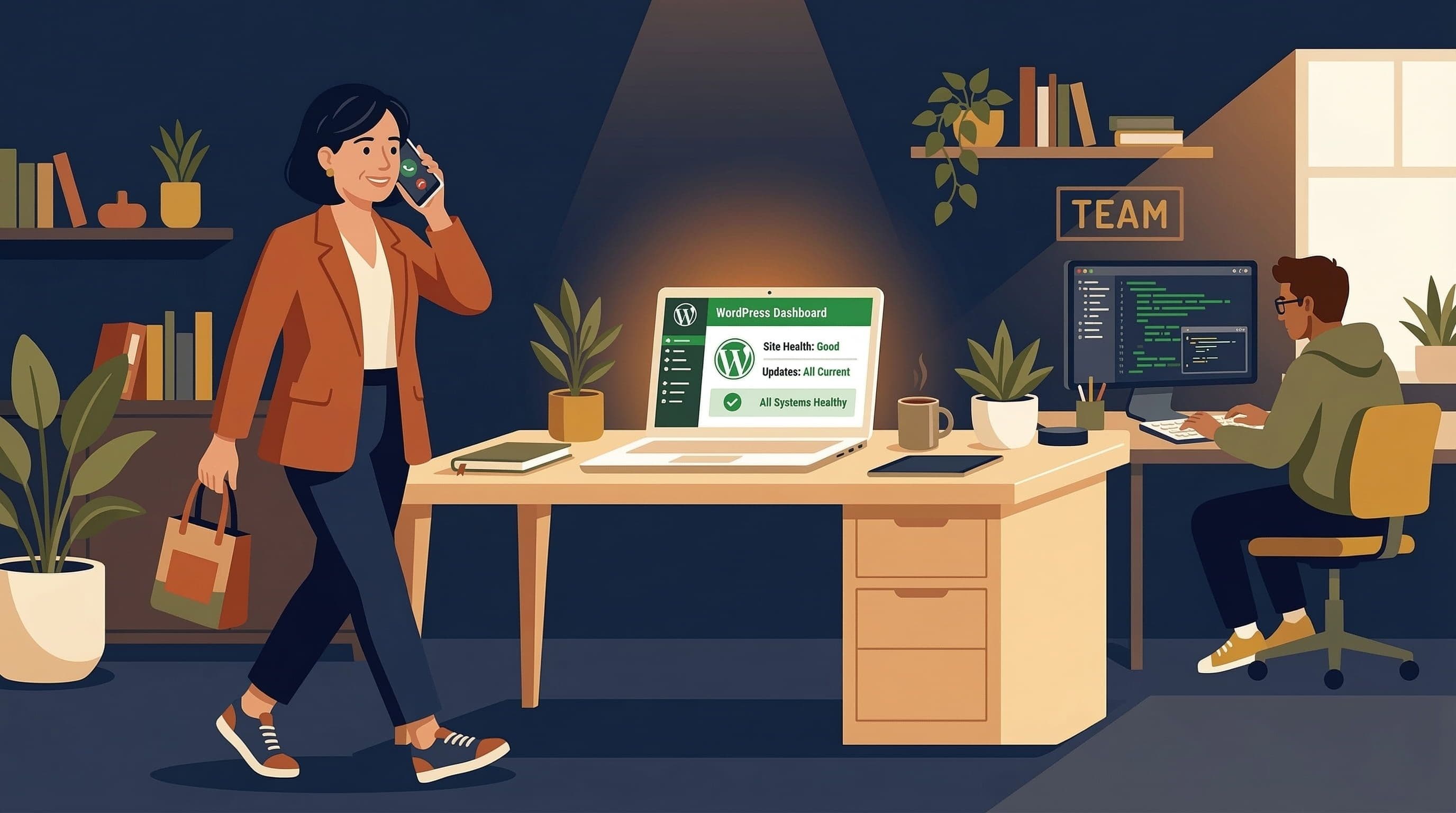
WordPress website handoff from developer to business owner
The ideal scenario is a site that launches already configured for low-maintenance operation:
- Managed hosting with server-level security included
- SSL active and forced across all pages
- Security plugin on Extended Protection mode with weekly scans scheduled
- Login hardened with 2FA, custom URL, and XML-RPC disabled
- Auto-updates active for core minor versions and security patches
- Daily backups to Google Drive with 30-day retention
- Uptime monitoring with SMS alerts
- Staging environment available for major update testing
A site launched in this configuration requires approximately 15 minutes per week of ongoing attention. Updates are largely automated. Backups run without intervention. Security events generate alerts rather than silent failures. The owner's role is a weekly 15-minute review, not active management.
This is the difference between a site built to be maintained and a site that needs constant attention. The first pays for itself over time. The second generates the exact costs and frustrations that make most business owners eventually seek professional help.
Related Articles
- Is a WordPress Maintenance Service Worth It for a Small Business? (Honest Breakdown)
- What Should a WordPress Website Actually Cost? (2026 Pricing Guide for Small Businesses)
- WordPress Security for Small Business Websites: The Complete Plain-English Guide
Frequently Asked Questions
When should I hire someone to manage my WordPress website?
Hire someone when your site generates real business leads or revenue, when you have experienced a security incident, when you cannot remember your last backup, or when maintenance tasks regularly take more than two hours per month. Any one of these signals justifies professional management on a cost-benefit basis.
How much does it cost to hire someone to manage a WordPress site?
WordPress management services typically range from $30 to $150 per month for ongoing maintenance. A one-time professional site build with security and maintenance infrastructure included typically ranges from $400 to $800 for a service business site. The right choice depends on whether you need ongoing management, a correctly built site, or both.
Can I manage my own WordPress website without technical knowledge?
Yes, for basic maintenance tasks. Applying plugin updates, checking backups, and reviewing security alerts are all manageable from the WordPress dashboard without coding knowledge. The limits of DIY management appear during security incidents, failed updates, or server-level configuration changes, which require technical knowledge to resolve correctly.
What does a WordPress developer do when managing a site?
A WordPress developer managing a site handles plugin and core updates, backup monitoring and testing, security plugin configuration, uptime monitoring, performance checks, and incident response if something breaks or the site is compromised. Better services include small content updates and monthly reporting on site health.
Is it worth paying for WordPress maintenance?
For most small business owners who rely on their site for leads, yes. The monthly cost of a maintenance service is typically less than the opportunity cost of doing it yourself, and significantly less than the cost of a single security incident. The value is clearest for owners whose time is better spent on client work than on technical site management