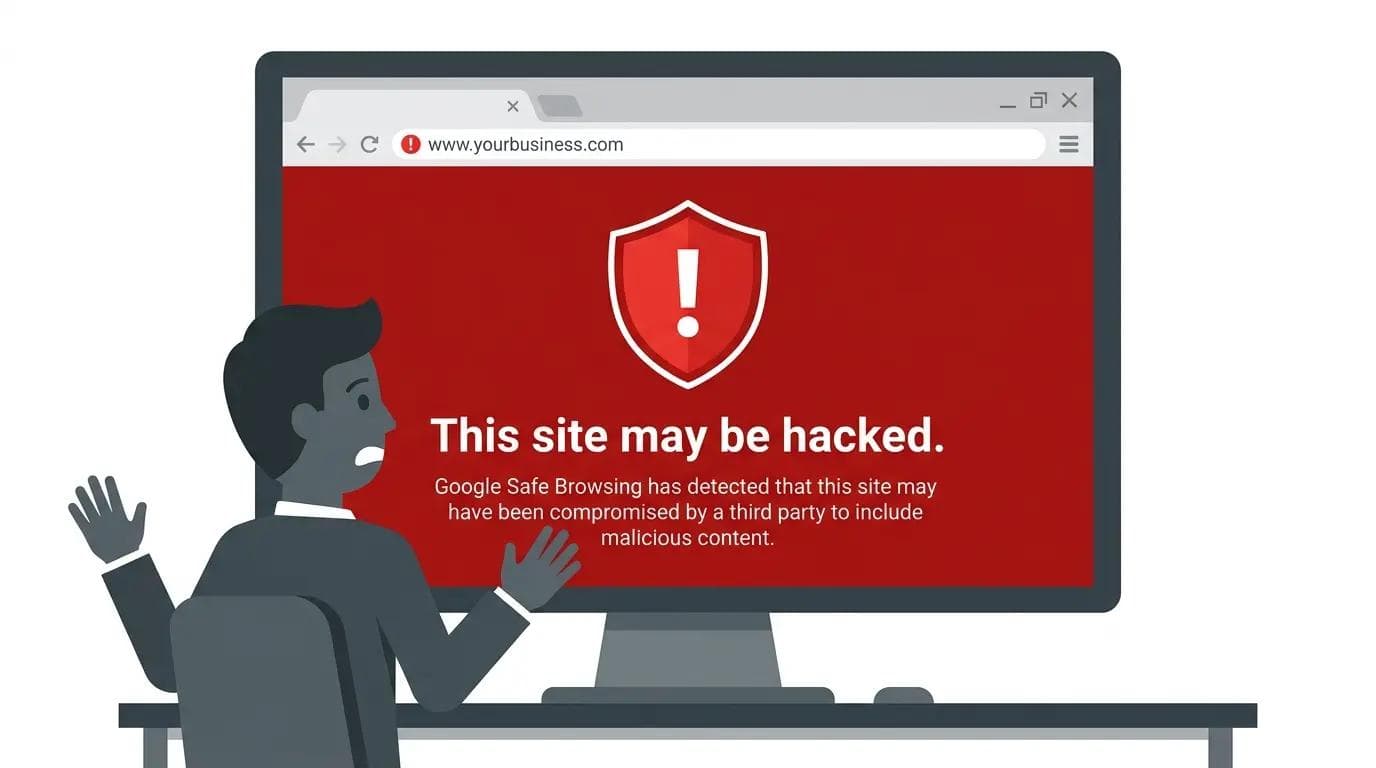
Google warning showing this site may be hacked
7 Signs Your WordPress Website Is Hacked (And How to Fix It)
Learn the 7 clear signs, how to check for malware step by step, and how to fix and secure your site fast. Includes a free website audit.
If your WordPress site is hacked, you’ll usually notice redirects, slow speed, or unknown users.
The fastest way to confirm it:
- scan your site
- check for unusual changes
- verify warnings in Google Search Console
Let’s break it down step by step.
7 Signs Your WordPress Site Might Be Hacked
1. Your site redirects to other websites
Visitors click your link but land on spam or unrelated pages. This is one of the most common signs of malware.
2. Sudden drop in traffic
If your rankings drop without explanation, your site may be flagged or compromised.
3. Google shows a security warning
Search results may display:
“This site may be hacked”
Check inside Google Search Console → Security Issues.
4. Unknown users in your dashboard
Go to:
Users → All Users
If you see accounts you didn’t create, your site is likely compromised.
5. Your website becomes slow
Malicious scripts often run in the background and affect performance.
6. Strange files or code appear
Check your files for:
- random PHP files
- recently modified files
- unfamiliar scripts
7. Hosting provider suspends your site
This usually means your site is infected or sending spam.
How to Check if Your WordPress Site is Hacked (Step-by-Step)
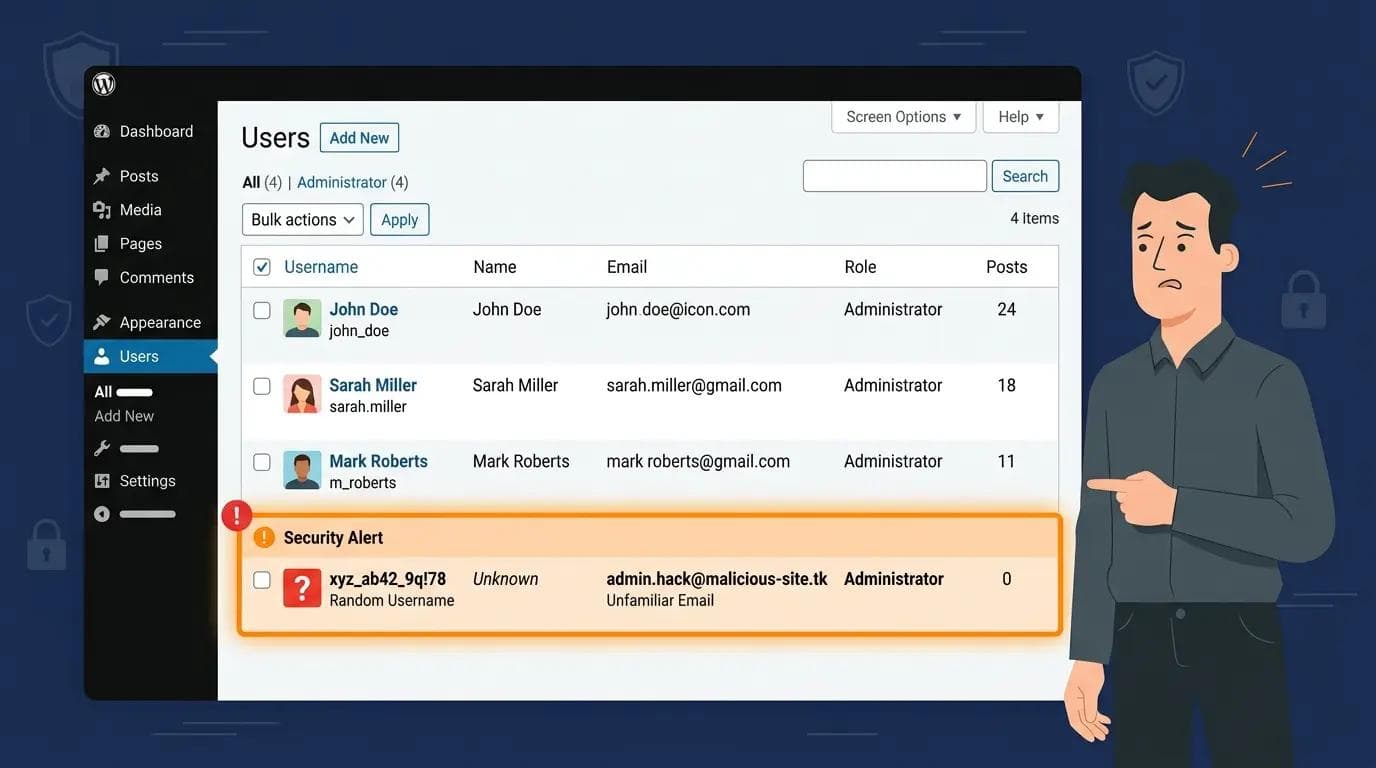
WordPress dashboard showing unknown admin users
Step 1: Scan your website
Use a malware scanner or security plugin to detect issues.
Look for:
- hidden scripts
- spam links
- redirects
Step 2: Check core files
Compare your site files with a clean install of WordPress.
Focus on:
- wp-config.php
- functions.php
- .htaccess
Step 3: Review plugins and themes
- remove unused plugins
- reinstall active ones
- avoid nulled themes
Step 4: Check Google warnings
Open Google Search Console and check for any security alerts.
Step 5: Review login activity
Look for:
- unknown logins
- suspicious IPs
- unusual activity
What to Do If Your WordPress Site Is Hacked
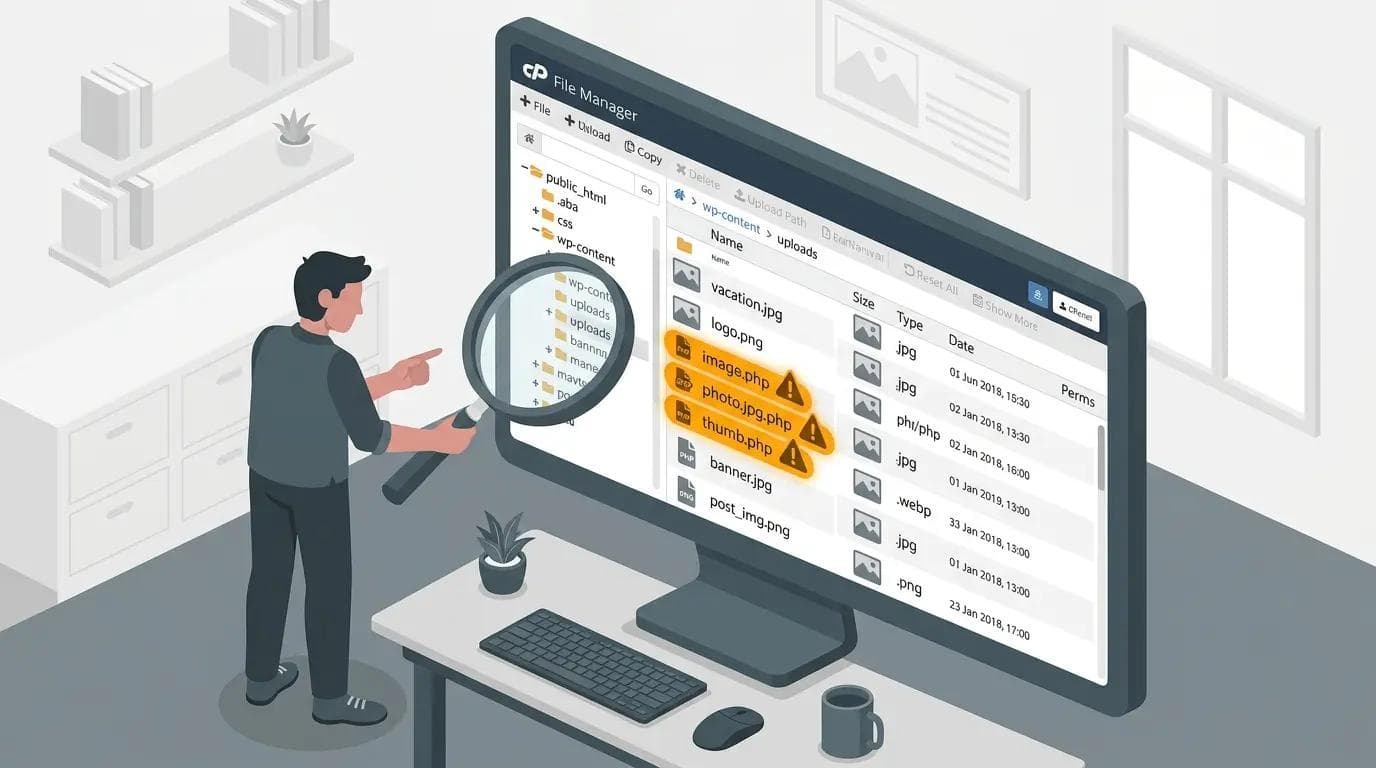
Suspicious PHP files in WordPress directory
1. Put your site in maintenance mode
Prevents visitors from being affected.
2. Remove malware
Clean infected files or use a security tool.
3. Reset everything
- change passwords
- update WordPress
- update plugins and themes
4. Restore from backup
If you have a clean backup, restore it immediately.
5. Request review from Google
After fixing, submit your site for review in Search Console.
How to Prevent Future Hacks
- use strong passwords
- enable 2-factor authentication
- keep everything updated
- use trusted plugins
- regularly scan your site
Free WordPress Website Audit (Limited)
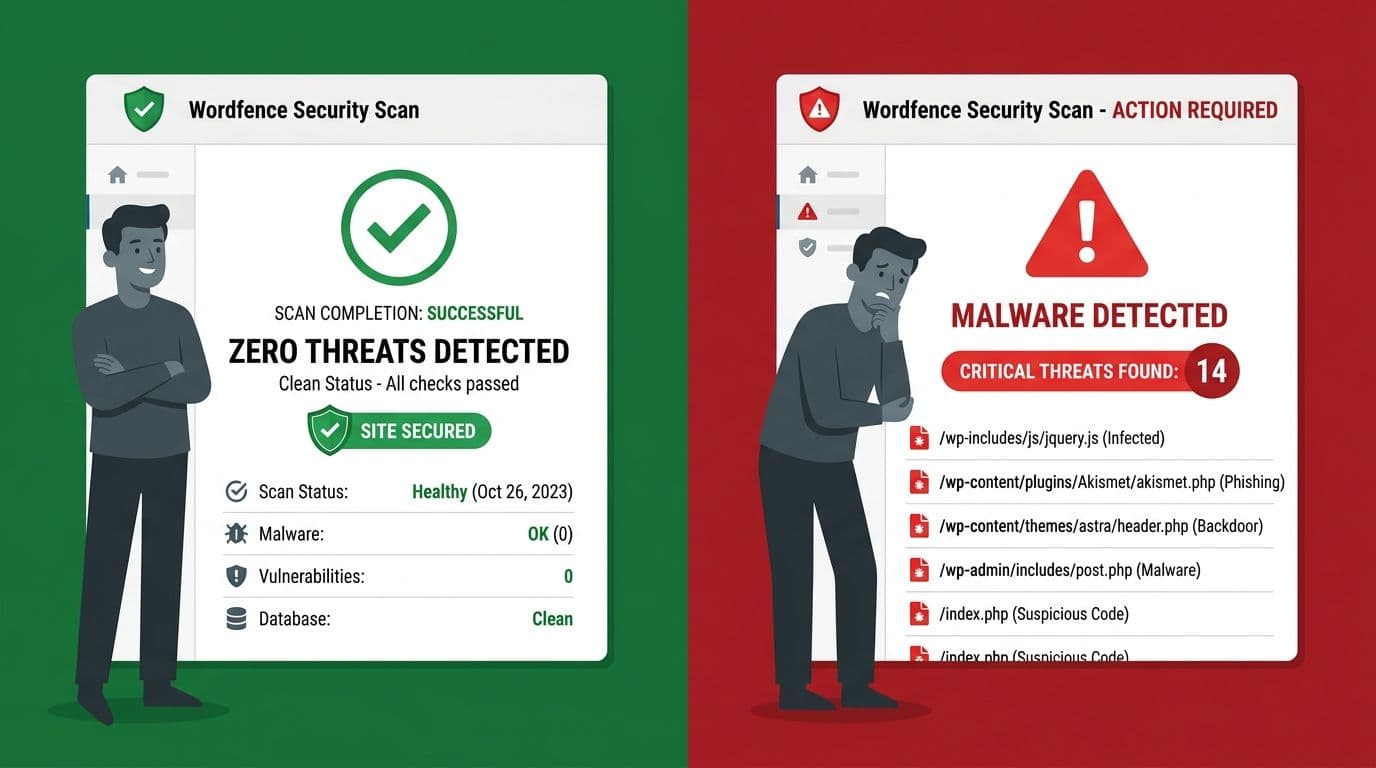
Malware scan detecting infected WordPress files
If you’re not sure whether your site is hacked or just slow, I offer a free website audit.
I’ll check:
- security issues
- speed problems
- hidden malware signs
- basic SEO issues
And send you a clear report with what’s wrong and how to fix it.
👉 WhatsApp for free audit
FAQ
How do I know if my WordPress site is hacked?
Look for redirects, unknown users, slow speed, and Google warnings.
Can a hacked WordPress site be fixed?
Yes. You can remove malware, restore backups, and secure your site.
Does Google penalize hacked sites?
Yes. Your rankings can drop or warnings may appear until the issue is resolved.
What is the fastest way to check for malware?
Use a scanner and verify your site in Google Search Console.
Related Articles:
- Is a WordPress Maintenance Service Worth It for a Small Business? (Honest Breakdown)
- WordPress Security for Small Business Websites: A Complete Guide (2026)
- How Often Should You Update WordPress? (it's important)
Final Thoughts
Most site owners realize too late that their website was hacked.
If you check regularly and keep your site updated, you can avoid most attacks.
And if you’re unsure, get a proper audit before the damage grows.